Android PDF guide
Scan and fill PDF forms on Android
Turn a paper form into a PDF, add the missing details and a signature, then save or share the finished copy from your phone.
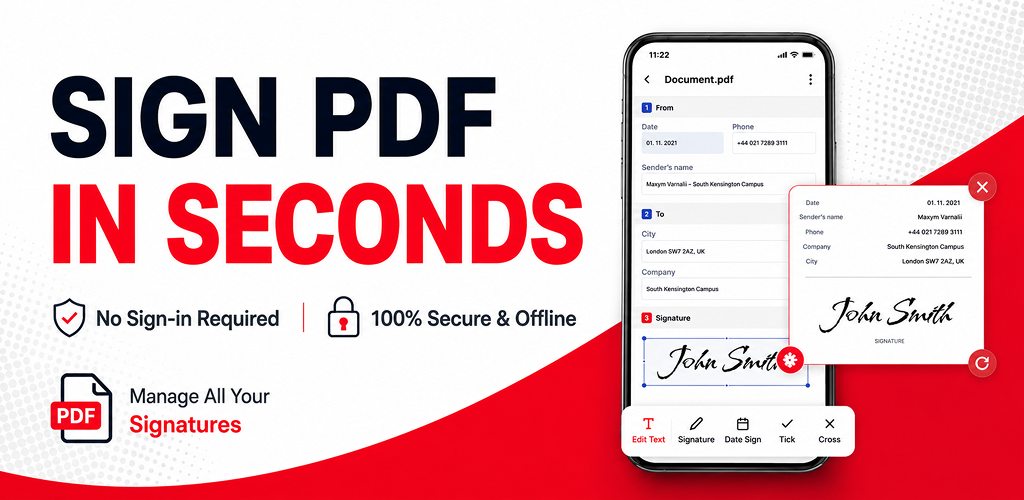
Finish a paper form without a desktop
Paper forms often need more than a photo: a name, address, date, tick, or signature still has to be placed neatly before the document can be sent back. Start by scanning the pages into one PDF, then complete the needed details before you save.
For important paperwork, keep the original paper copy until the recipient confirms that a digital PDF is sufficient.
How to scan and fill a PDF form
Scan the paper form
Use the camera scan feature to capture each page. Check that the page edges, text, and existing marks are visible before creating the PDF.
Review the scanned PDF
Open the created document and move through every page. Re-scan unclear pages before adding anything to the form.
Add text, dates, or marks
Select the form tools and place text where the answer belongs. Keep entries inside their fields and use a readable size.
Add a signature if required
Create or place a handwritten signature only where the document asks for one. Follow the recipient's rules for official documents.
Save and share the completed PDF
Review every page, then choose a save option available in the app. Keep a finished copy and share it through the method requested by the recipient.
Before you send the form
- Check that all scanned pages are included and legible.
- Confirm names, dates, and contact details before saving.
- Make sure added text does not cover the original form instructions.
- Keep the original paper version when it may be required.
Common questions
Can I scan and fill out a paper form on Android?
Yes. Scan the paper form into a PDF, add the required text, dates, or marks, then save or share the completed copy.
Can I sign a scanned PDF?
Yes. After scanning the document, open the resulting PDF and place a handwritten signature where the form requires it.
Should I keep the original paper form?
Keep the original when a recipient, organization, or legal process requires it. A scanned PDF is useful for completing, sharing, and keeping a digital copy.