ChatPDF
Ask questions about your PDFs
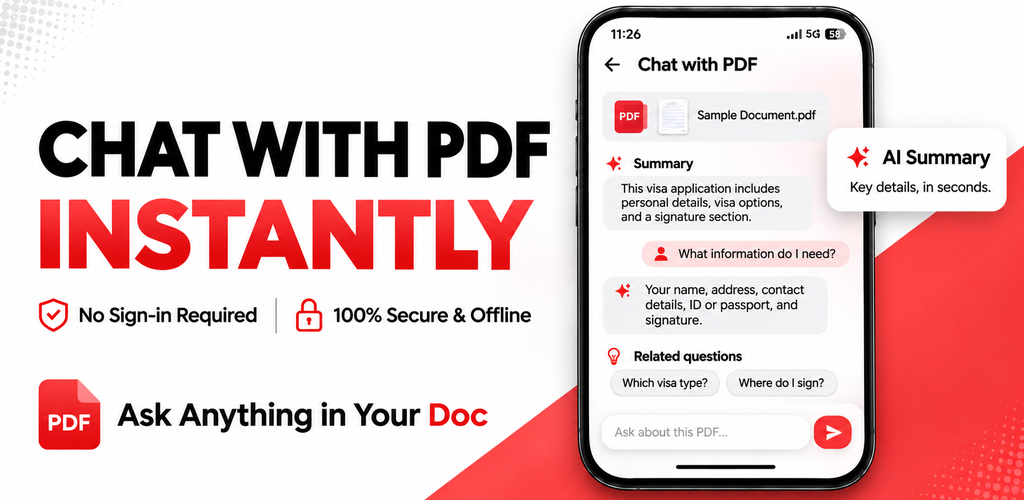
Get a quick overview of a long PDF, ask about a section, and return to the original pages to verify the details that matter.
Read with a purpose
Understand the PDF before you act
ChatPDF can help you locate a topic in a lengthy file. Use the answer as a starting point and verify names, dates, figures, and obligations in the PDF itself.
1. Open a PDF
Choose a file in PDF Fill & Sign and open ChatPDF when it is available for that document.
2. Ask a focused question
Try a summary first, then ask about a specific section, deadline, or term.
3. Check the source
Compare the answer with the original pages before making a decision, filling a form, or signing.
FAQ
What can I ask ChatPDF?
Ask for an overview or about a specific topic in the file. Focused questions make the answer easier to check.
Can it summarize every PDF?
Summaries depend on whether the app can process the document. Scanned or difficult-to-read pages may need extra checking.
Can I rely on an answer without reading the PDF?
Check important details against the original file. ChatPDF is a reading aid, not professional legal or financial advice.