Flagship app

PDF Fill & Sign

Fill forms, sign documents, scan paper, and chat with PDFs—all on your phone. Free to start on Android and iOS.

Android iOS No sign-in required 50K+ downloads
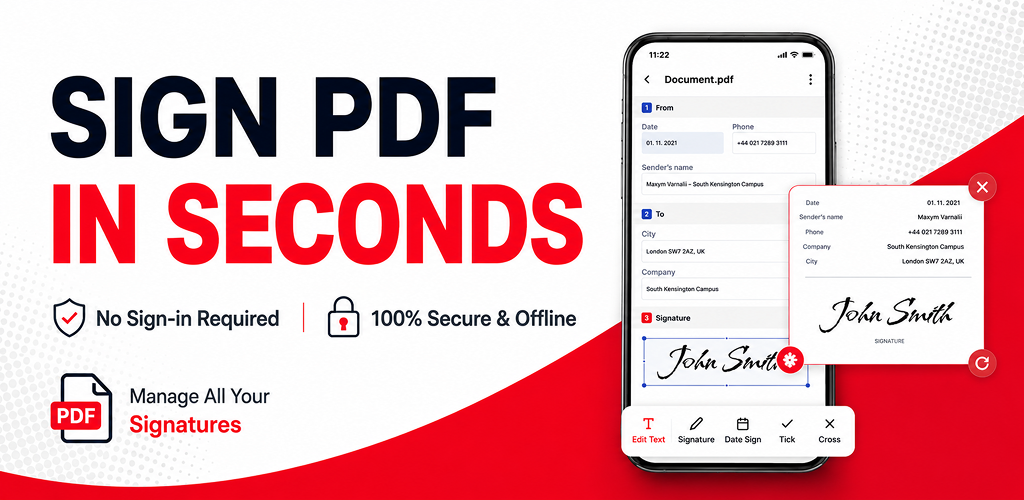
PDF Fill & Sign — sign a PDF in seconds on your phone

Capabilities

Everything you need to finish a PDF on mobile

One workspace for the jobs people do every day—without printing or switching to a desktop editor.

Fill

Fill PDF forms

Type into form fields, add text boxes, and complete applications or paperwork from your phone.
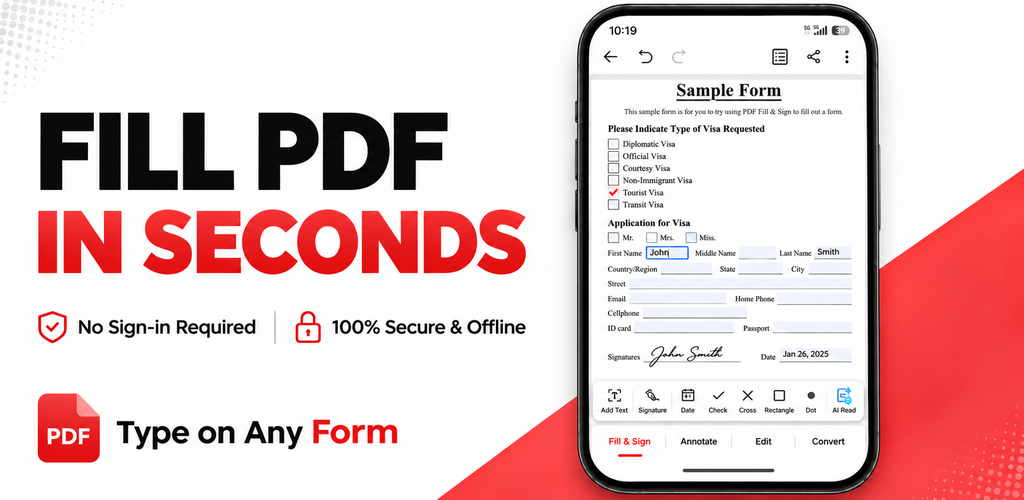
Filling a PDF form with typed text in PDF Fill & Sign

Sign

Sign documents in seconds

Create a handwritten signature, place it on the page, review the position, and save a clean signed copy.

Signing a PDF with a handwritten signature in PDF Fill & Sign

Scan

Scan paper to PDF

Capture paper with your camera, create a PDF, then keep filling or signing in the same app.
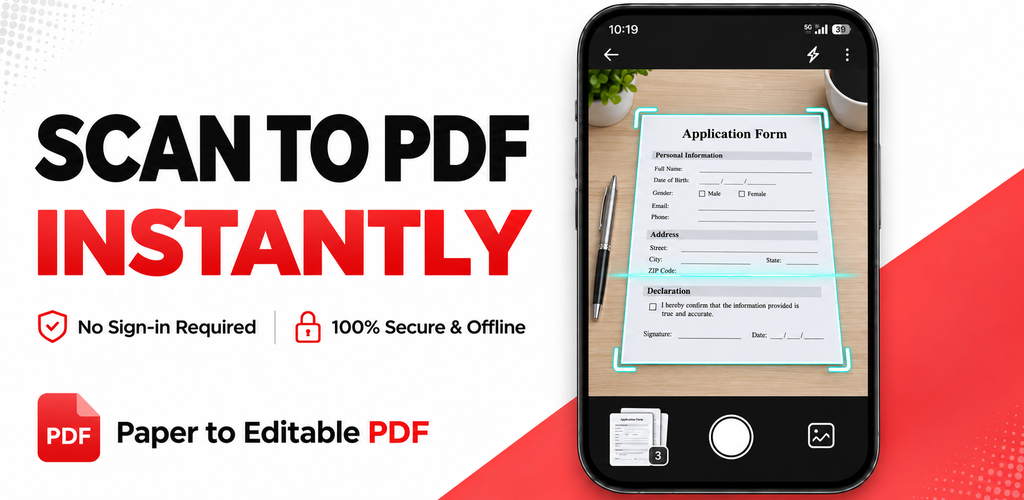
Scanning paper to PDF in PDF Fill & Sign

ChatPDF

Understand long PDFs faster

Ask questions, get quick summaries, and find the details that matter before you fill or sign.
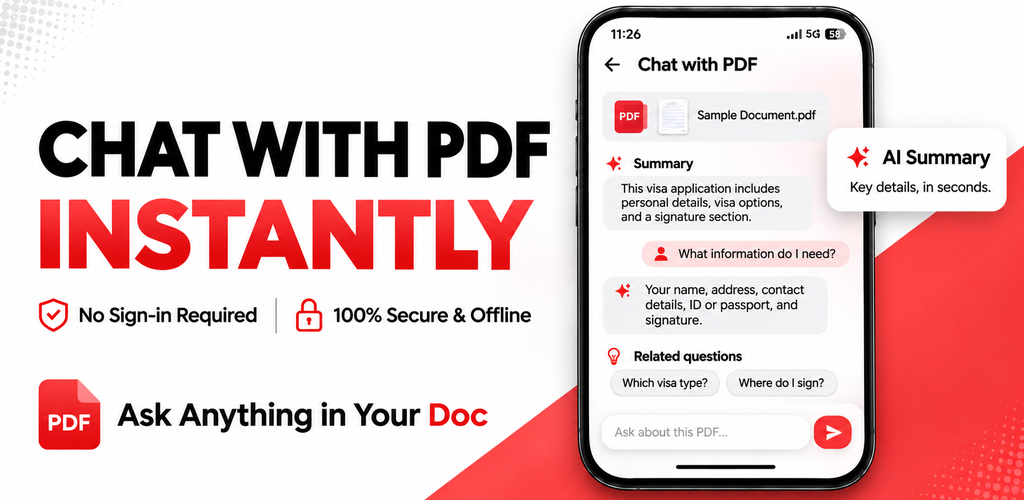
Chat with a PDF and get instant answers in PDF Fill & Sign

How it works

Finish a document in minutes

Open your PDF, edit what matters, then save or share the finished file.

1. Open a PDF
Pick a local file, scan paper, or share a PDF into the app.
2. Edit and sign
Add text, fill fields, draw a signature, or use ChatPDF for help.
3. Save or share
Export the updated document and send it where it needs to go.

Guides

Practical help for Android

Step-by-step tutorials. Each guide links back to this app page.

How to fill out a PDF on Android Open a form, add text, check your edits, and save the finished PDF. How to sign a PDF on Android Add a handwritten signature, review its position, and save the signed PDF. How to scan and fill a PDF form on Android Scan paper, add form details and a signature, then save the completed PDF.

Get PDF Fill & Sign

Free to start on Android and iOS, with premium features for heavier PDF work.