Scan
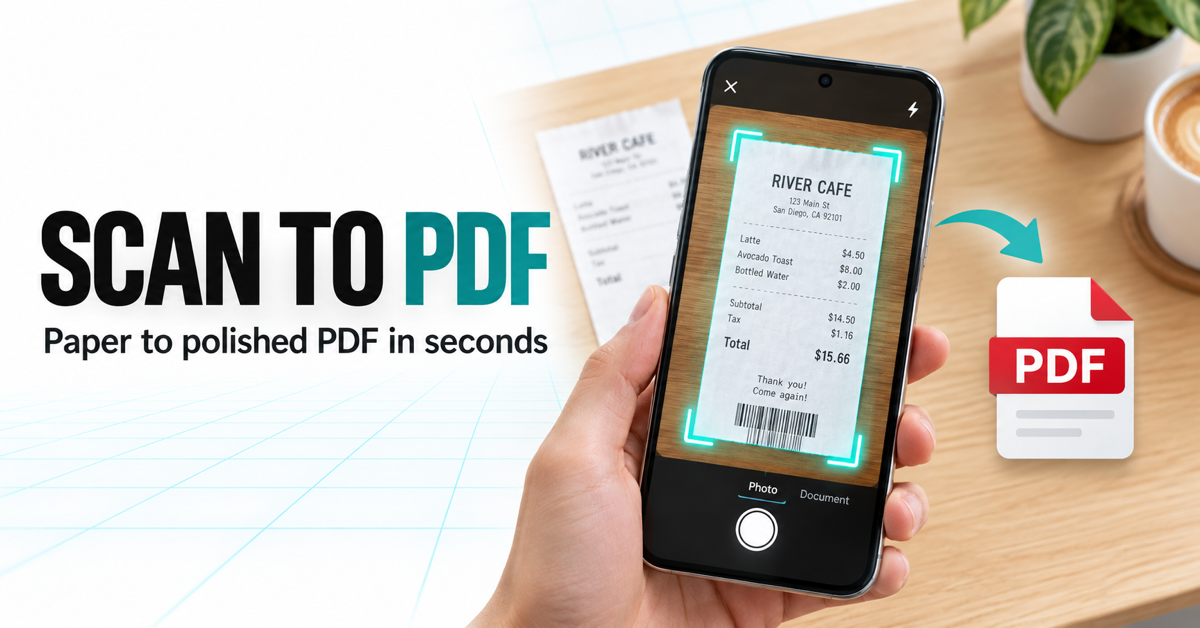
Scan paper to PDF
Capture single or multi-page documents and ID cards with edge detection. Import photos and turn them into a clean PDF.
 Scan-first app
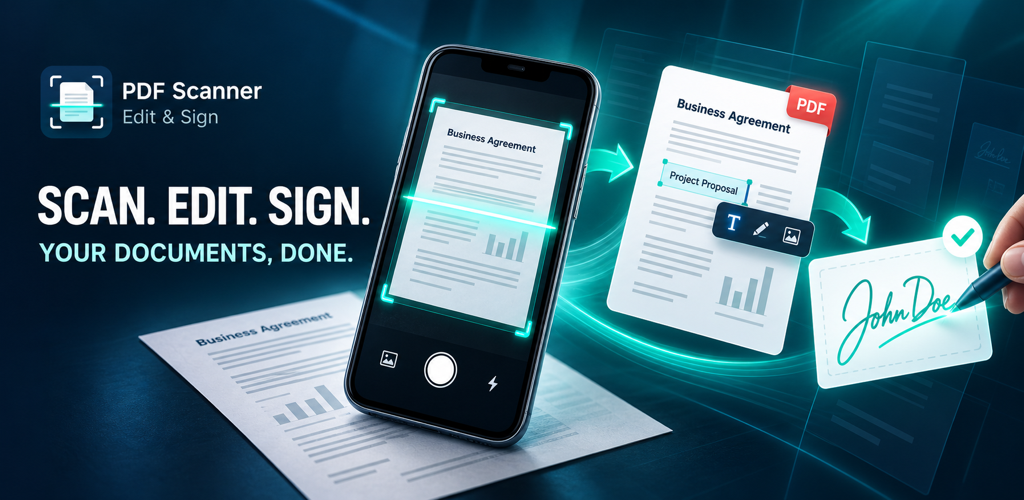
Turn paper into PDFs on Android—then edit, fill, sign, and extract text. Built for capture speed. Documents stay on your device.
Capabilities
Clear scans, then keep working—edit content, fill forms, sign, and share without leaving the app.
Scan
Capture single or multi-page documents and ID cards with edge detection. Import photos and turn them into a clean PDF.
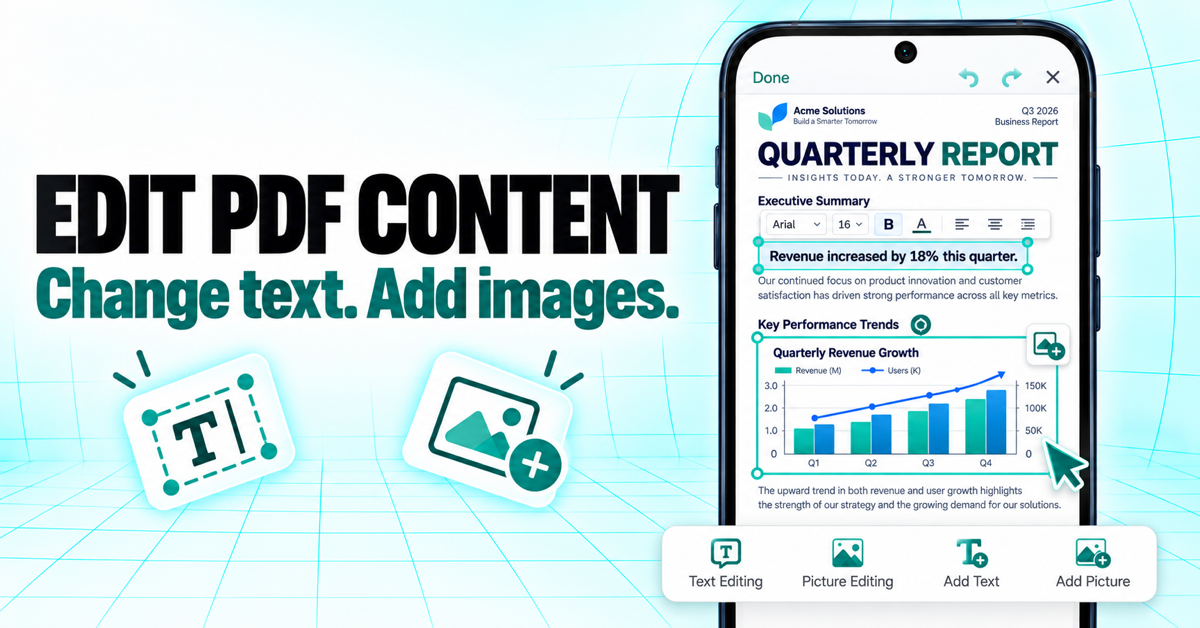
Edit
Change text, add images, and tidy up the document after you scan—so the file is ready to send.
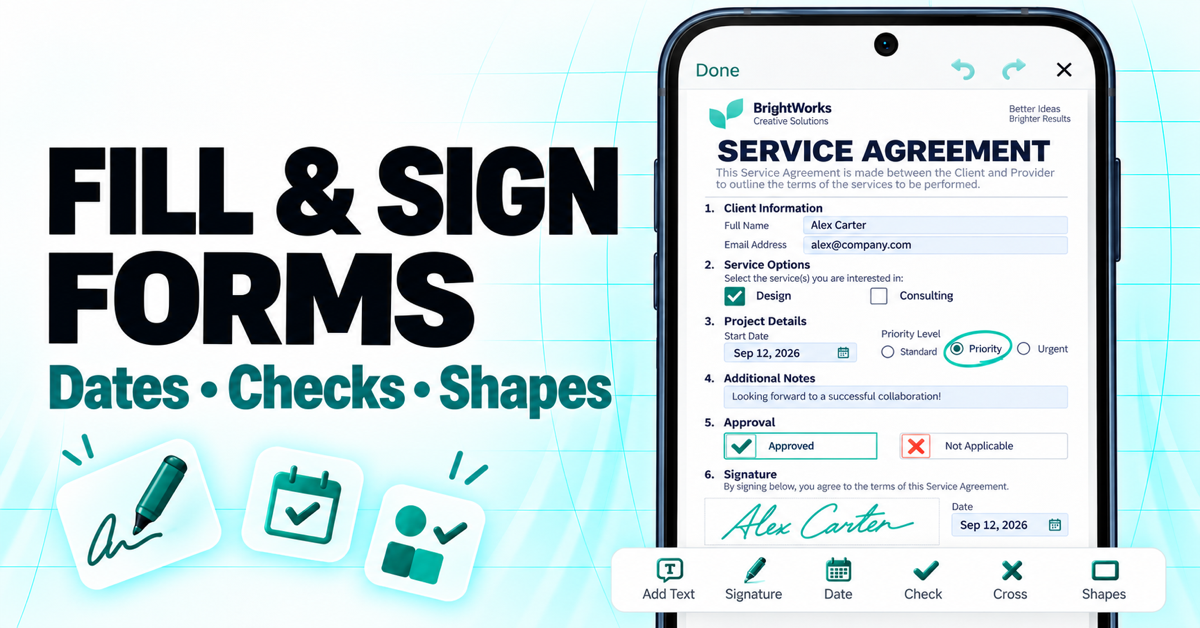
Fill & sign
Add text, dates, checks, and a handwritten signature to finish agreements and paperwork on the go.
How it works
Scan once, then finish the document without printing or switching devices.
Install from Google Play and start scanning paper to PDF on Android.