Android PDF guide
How to sign a PDF on Android
Open your document, add a handwritten signature in the right place, then review, save, or share the signed PDF from your phone.
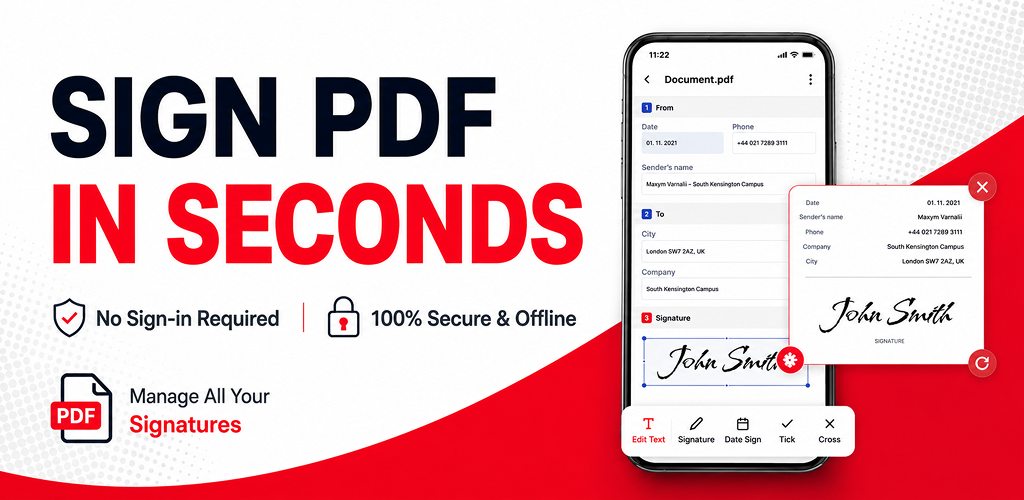
Sign a PDF without printing it
When a form or agreement arrives as a PDF, you can complete the signing step from your Android phone instead of printing, signing, and scanning it back. First check the document instructions and make sure you are signing the correct version.
If the document requires other details such as a name or date, add those before placing the signature.
How to sign your PDF
Open the PDF
Open PDF Fill & Sign and choose the document from your phone, recent files, or a supported share action. Check that every page is visible.
Complete any required details
Add names, dates, or other form text before you sign. Keep entries readable and inside the requested fields.
Create or choose your signature
Open the signature tool and create a handwritten signature, or choose one you have already created in the app.
Place and adjust the signature
Move the signature to the line or box requested by the document. Adjust its size so it is legible and does not cover important text.
Review and save the signed PDF
Review every page, then choose a save option available in the app. Keep a finished copy and share it through the method requested by the recipient.
Before you send a signed document
- Confirm that you signed the final version of the PDF.
- Check the signature position, name, date, and any required fields.
- Make sure the recipient accepts this signing method.
- Keep an original copy of the finished PDF for your records.
Common questions
Can I sign a PDF on Android without printing it?
Yes. Open the PDF on your Android device, add a handwritten signature where required, then save or share the finished copy.
Can I add text or a date before I sign?
Yes. Complete names, dates, and other form details before placing the signature, then review the whole document before saving.
Is a handwritten PDF signature accepted everywhere?
Acceptance depends on the document recipient and applicable requirements. Confirm their signature rules before you send an important document.